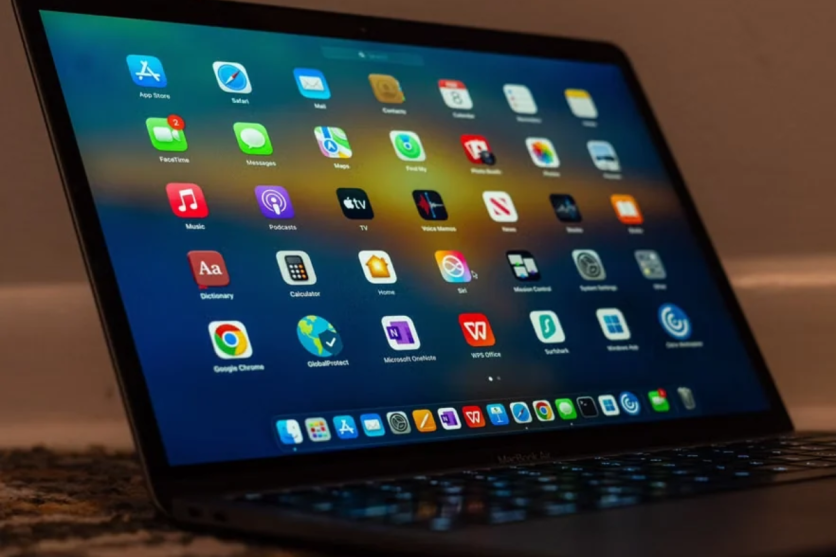
Anthropic has begun rolling out a Claude feature that lets users build and install their own Mac and Windows apps without writing code.
Announced on 24 November 2026, the feature gives AI-generated creations their own desktop windows and icons. Called 'Install as app', the feature is rolling out in beta across free and paid Claude plans.
Users without programming experience can create customised software by describing what they need in plain English.
How to Build and Install Apps With Claude
The feature builds on Claude Artifacts, which allows users to generate interactive tools, dashboards, websites and other digital content through conversations with the AI chatbot. Previously, users typically accessed these creations within Claude or shared them with others.
Someone looking for a household budgeting app could ask Claude to create one with categories for groceries, bills and other expenses. They could then test the tool and request changes to its appearance or functionality.
To install the application, open the Artifact in Claude Desktop and select 'Install as app' from the Share menu. Finally, select 'Install' to confirm.
You can now install Claude artifacts as desktop apps on Mac and Windows.Ask Claude to build an artifact, click "Install as app", and open it like any other app. It can use your connectors and, if you allow it, send notifications or add a menu bar item. https://t.co/8CBgqe5OKq
— ClaudeDevs (@ClaudeDevs) November 24, 2026
Users do not need to package or digitally sign the software themselves.
Mac users can find their installed apps through Spotlight or keep them in the Dock. Windows users can launch their creations from the Start menu or desktop shortcuts.
What Can You Build With Claude?
Anthropic employees have demonstrated several applications, including Linnet, an image editor that supports layers, and Phosphor, a customised file manager. Another example is Sift, which uses Claude to organise files according to folder rules.
Other staff-built applications include Tern, a terminal assistant, and Vitals, a computer performance monitoring tool. Students could create study planners, while businesses could develop order trackers or meeting preparation tools.
Users can share their applications and connect them to supported external services. Changes to the original Artifact automatically appear in the installed application.
Claude Apps Can Access Your Computer, but There Are Risks
Anthropic offers three permission levels for installed apps. Default permissions limit apps to browser-like capabilities. Additional permissions enable desktop functions such as notifications and system-wide keyboard shortcuts.
With full computer access, an app can run programs and read, modify or delete files without requesting approval for each action. Anthropic generally restricts this permission to apps developed by users themselves or colleagues within eligible organisations.
The company says it does not review applications before installation. Users should therefore grant full computer access only when they trust everyone involved in developing the app.
Claude requests approval again for previously granted permissions after each Artifact update. However, externally hosted code can change without triggering another permission request.
Is Claude's New App Builder Really Free?
A paid subscription is not required, but building apps and any requests they make to Claude count towards existing usage limits. According to Anthropic's Help Centre, users need Claude Desktop version 6.28899.0 or later.
Despite having separate windows, installed apps require an internet connection and users must be signed in to Claude Desktop. App installation is unavailable on Linux, mobile devices and web browsers.
Claude Docs, Slides and Sheets cannot be installed. Legacy Artifacts and live Artifacts from Claude Cowork are also excluded.
The feature is enabled by default for Team accounts, but full computer access requires administrator approval. Enterprise account owners must enable app installation. Organisations with HIPAA-ready configurations or hybrid deployments cannot use the feature.


