Apple silicon Mac users running macOS 27 no longer have a single master switch for turning off Apple Intelligence. Developer Om Lahore has released RemoveMacAI, an open-source command-line tool designed to provide a broader opt-out, remove downloaded AI models and potentially reclaim around 12GB or more of storage, depending on which models are installed.
Users can still disable supported Apple Intelligence features individually, but those controls are now spread across different settings. Turning individual features off also does not necessarily remove downloaded models from the Mac.
RemoveMacAI Recreates a Broader Apple Intelligence Opt-Out
RemoveMacAI is designed for Apple silicon Macs running macOS 27. Instead of requiring users to find multiple Apple Intelligence controls, the tool applies a broader set of restrictions in one process and removes supported model assets.
According to the project's documentation, it can turn off Siri, Writing Tools, Genmoji, Image Playground, the ChatGPT extension, summaries in Mail, Messages, Safari, Notes and notifications, Mail smart replies, inline text predictions, Spatial Photos, Photos Clean Up and Xcode predictive code completion. Dictation remains available because its speech models are separate.
The changes are reversible. Running removemacai revert removes the tool's configuration profile and restores the previous settings, according to the project. macOS can then download the required models again when supported features need them.
RemoveMacAI's documentation lists macOS 27 as supported and says the tool has been tested on version 27.0. Users running macOS 27.0.1 are advised to use RemoveMacAI 0.2.3 or later.
Why RemoveMacAI Can Free Around 12GB or More
Storage could be one reason some Mac owners consider the tool. Lahore has said the foundation models occupy about 12GB, although the amount users recover depends on which model sets are installed. MacRumors also reported that RemoveMacAI can free roughly 12GB depending on the models present.
System Settings can show considerably larger figures for Apple Intelligence. The Verge reported that Apple Intelligence was listed as using 35.05GB on one MacBook Air. MacRumors separately recorded 20.67GB in the Apple Intelligence storage category on an M4 Pro Mac mini running macOS 27.
Apple's current system requirements say its latest Apple Intelligence features can require up to 14GB of on-device storage on Macs with an M3 chip or later and at least 12GB of unified memory. Other Apple Intelligence-enabled Macs can require up to 8GB.
Those figures should not be treated as guaranteed recoverable storage. The amount shown under Apple Intelligence in System Settings is not necessarily the exact amount RemoveMacAI will remove.
The project's documentation also says Apple's asset service releases the models immediately, but macOS may delete the underlying files on its own schedule. The Storage display therefore may not fall immediately after the tool runs.
Apple Still Lets Users Disable Individual AI Features
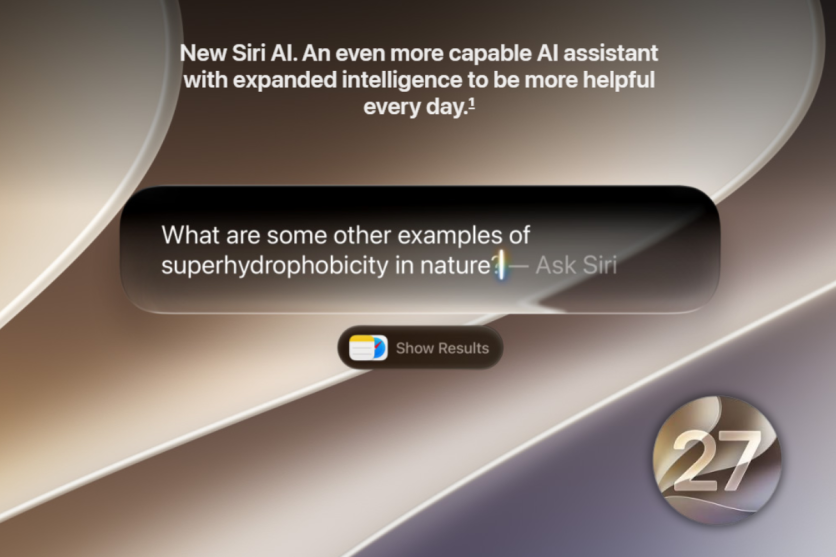
macOS 27 has not made every Apple Intelligence feature impossible to disable. Apple's documentation provides separate controls for Siri AI (Beta), Messages summaries, Mail summaries, notification summaries and personalised smart replies. Users can also turn off Siri AI and switch to Siri Classic.
What disappeared is the previous single Apple Intelligence switch that handled the feature set more broadly. That leaves users with a more fragmented opt-out process, while downloaded models can remain stored after individual features have been disabled.
RemoveMacAI is intended to fill that gap for users who want both a broader Apple Intelligence opt-out and removal of supported model files rather than simply switching off individual features.
How RemoveMacAI Removes Models and Blocks Redownloads
RemoveMacAI uses a configuration profile that users must approve in System Settings. According to the project's documentation, the profile applies Apple restriction settings, while model removal is handled through Apple's asset service.
System Integrity Protection remains enabled, and the tool does not directly modify protected files under /System. It also redirects attempts to download removed models to a closed local port, preventing macOS from immediately downloading them again.
There are trade-offs. RemoveMacAI is an unofficial third-party project and is not an Apple product. Removing Apple Intelligence models also disables features and apps that depend on Apple's on-device models, including the Foundation Models framework, the Use Model action in Shortcuts, Visual Intelligence and natural-language editing in Calendar.
There is also a compatibility risk. Apple says older MDM restriction keys for managing Apple Intelligence, Siri and keyboard settings were deprecated beginning with macOS 26.4 as it moved those controls to newer declarative configurations. RemoveMacAI's developer says the legacy restrictions the tool relies on still work on macOS 27.0.1, but future macOS changes could affect that approach.
For Mac owners who do not want Apple Intelligence, RemoveMacAI provides something macOS 27 no longer offers through a single built-in control: a broader AI opt-out combined with model removal. How much storage users recover will depend on their Mac and the models installed, making the roughly 12GB figure a potential saving rather than a guaranteed result.


