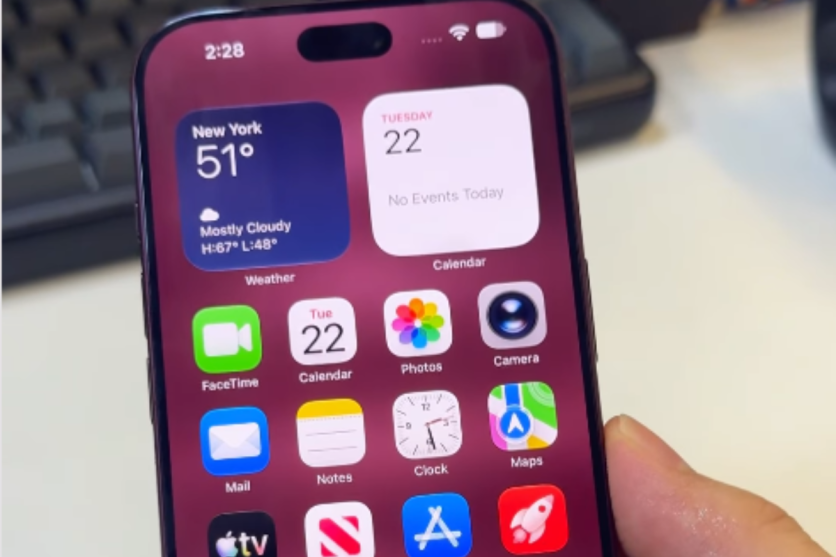
A strange iOS 27 glitch can temporarily leave parts of an iPhone's interface unresponsive after a precisely timed sequence of swipes on the Home Screen.
The bug attracted attention on social media shortly after Apple released iOS 27 on 14 September. Testing by 9to5Mac found that quickly opening Notification Centre and then Control Centre could put its test device into what the publication described as a software soft-lock.
The effect can look more serious than it is. Home Screen navigation may stop responding, taps inside apps can become unreliable and the normal power-off slider may stop responding to swipe gestures.
However, the available reporting does not show that the glitch permanently damages an iPhone. In 9to5Mac's test, a force restart restored normal operation.
Apple separately recommends the same button sequence when an iPhone becomes unresponsive.
Two Quick Swipes Can Trigger the Freeze
The sequence starts on the Home Screen.
According to 9to5Mac, the user first swipes down from the top-left corner to begin opening Notification Centre. Before that animation finishes, another swipe from the top-right opens the Control Centre.
After the Control Centre is dismissed, the device may be left in the temporary soft-locked state.
In 9to5Mac's testing, the Camera and Torch controls associated with the Lock Screen could appear near the top of the display. Swiping between Home Screen pages stopped working, while taps on some interface elements inside apps became unreliable.
The publication also found that the normal shutdown screen could become difficult to use because the on-screen power slider stopped responding to swipe gestures.
The timing appears to be critical.
9to5Mac said it sometimes needed two or three attempts to reproduce the problem on an iPhone Air running iOS 27.0.
That means the headline-grabbing 'two swipes' description should not be taken to mean that two normal gestures will reliably freeze every iPhone.
Testing elsewhere has also produced different results.
AppleInsider said it managed to stop Notification Centre from opening using the sequence but could not reproduce the full device-unresponsive state reported by 9to5Mac.
The Glitch Does Not Appear to Permanently Brick the Phone
Some social media posts have described the bug as 'bricking' an iPhone, but the evidence currently points to a temporary software problem rather than permanent failure.
9to5Mac described the condition as a soft-lock and said its iPhone returned to normal after a force restart. The publication's report does not describe permanent hardware damage following the test.
There is nevertheless a reason to avoid deliberately reproducing the glitch, particularly on somebody else's phone. The symptoms can make normal navigation difficult until the device is restarted.
How to Fix the iOS 27 Freeze
A force restart can recover an affected iPhone without relying on the touchscreen.
Apple instructs users to press and quickly release the Volume Up button, then press and quickly release the Volume Down button.
Next, press and hold the Side button. Release it when the Apple logo appears.
9to5Mac used that process after reproducing the iOS 27 glitch and reported that its device returned to normal afterwards.
The force-restart method is particularly relevant because the glitch can interfere with the normal on-screen power-off slider.
Glitch Appears Fixed in iOS 27.2 Beta 2
There is an early indication that Apple may already have eliminated the problem in a newer test build.
9to5Mac initially reproduced the glitch on iOS 27.0 and again on the first iOS 27.2 developer beta, which Apple released on 16 September.
The publication later updated its report to say the problem 'appears to be fixed' in iOS 27.2 beta 2. Apple released that developer build on 21 September.
That should not yet be described as an officially confirmed fix.
Apple's published iOS 27.2 beta 2 release notes do not specifically identify the two-swipe soft-lock among the documented resolved issues.
For users who encounter the problem on an affected iOS 27 build, the practical takeaway is straightforward. The glitch can make an iPhone appear badly frozen, but current testing indicates that the condition is temporary.
If the touchscreen stops responding, Apple's force-restart sequence can restore the device without relying on the unresponsive display.
This Glitch Can FULLY CRASH the new iPhone 18 Pro
— TechDroider (@techdroider) September 27, 2026
New iOS glitch has been discovered which can make the iPhone completely UNRESPONSIVE and mess up the entire UI. Apple NEEDS to take action immediately and push a HOTFIX update ASAP.
This is not a minor visual bug. Your iPhone… pic.twitter.com/pFYqcnbnt9


